Basket Pal keeps count of what’s in your pantry. Tell it how much of each thing you like to have, and it writes the shopping list, sorts it by your store’s aisles and shares it with the whole family.
Say what you like to keep. It tells you what to buy.
Set a target
Two bottles of olive oil. A dozen eggs. A kilo of coffee. Set it once for each product you buy.
Keep the count
Adjust the pantry with a quick stepper — or simply shop: everything you check off goes straight into stock.
Shop the difference
Your list is whatever is missing. Nothing to remember, nothing to write down.
to buy = target − in stock
Try it — this is the real logic.
At home Pantry
To buy 0 items
CriticalUrgentBought
Target
How much do you want to keep at home?
Every store, its own list
Walk the aisles in order. Never double back.
Pick the store you’re in and Basket Pal shows only what you can buy there — grouped by that store’s own aisles, in the order you walk them.
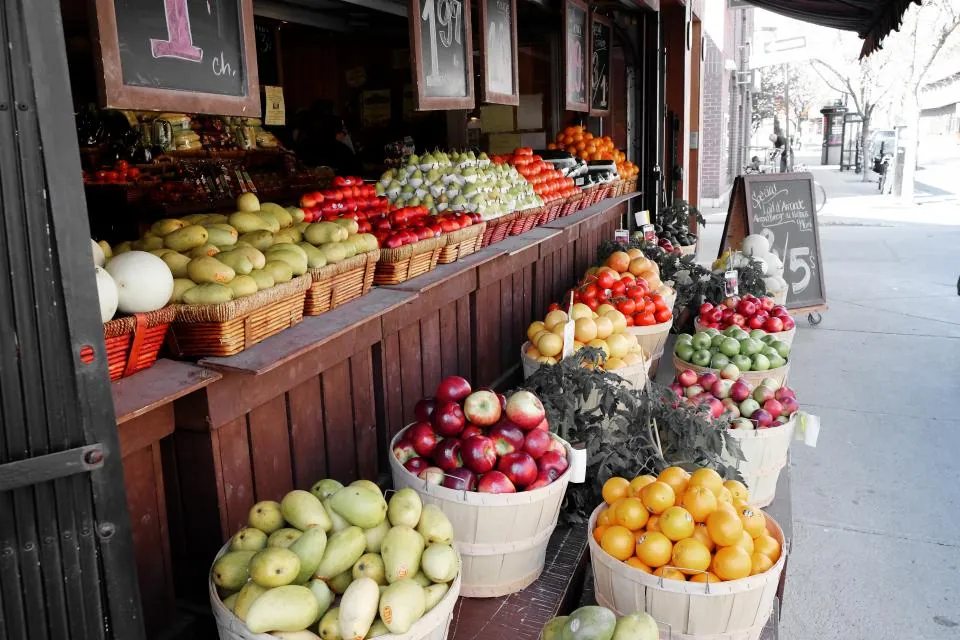
One tap to switch storesSupermarket, bakery, farmers’ market — each with its own logo or colored symbol.
Your aisles, your orderName them once — “Aisle 7 · Pasta, Oil & Rice” — and the list follows them.
An unplanned stop?Choose Other to see everything you need, wherever you are.
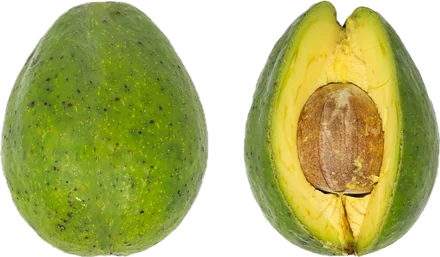
Anna bought 2 avocados
Milk · bought by you
Eggs · 8 left to buy
Made for families
One list on every phone. No more duplicate jars.
Invite your family with a link. When anyone checks an item off, the pantry updates and everyone sees it — in real time. “2 bought by Anna” means you can skip the avocados.
Live updatesPurchases show up on every member’s phone within seconds.
Split the runTwo shoppers, two stores, one list — and nobody buys the same thing twice.
Invite with a linkEach family member signs in with their own account and joins the list in a tap.
The right list for each personShow some products only to chosen members — the wine stays with the grown-ups.
SUPERMARKET
05/10/2026 · 18:05 · till 4
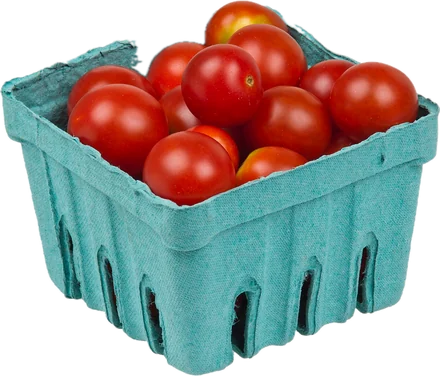
CHERRY TOM 250G4.98
2 x 2.49
WHOLE MILK 1L4.60
4 x 1.15
SALTED BUTTER2.85
FR RANGE EGGS X65.90
2 x 2.95
EV OLIVE OIL 75CL9.60
COFFEE BEANS 500G8.20
TOTAL36.13
THANK YOU · SEE YOU SOON
Receipts & prices
Snap the receipt. Know what you really pay.
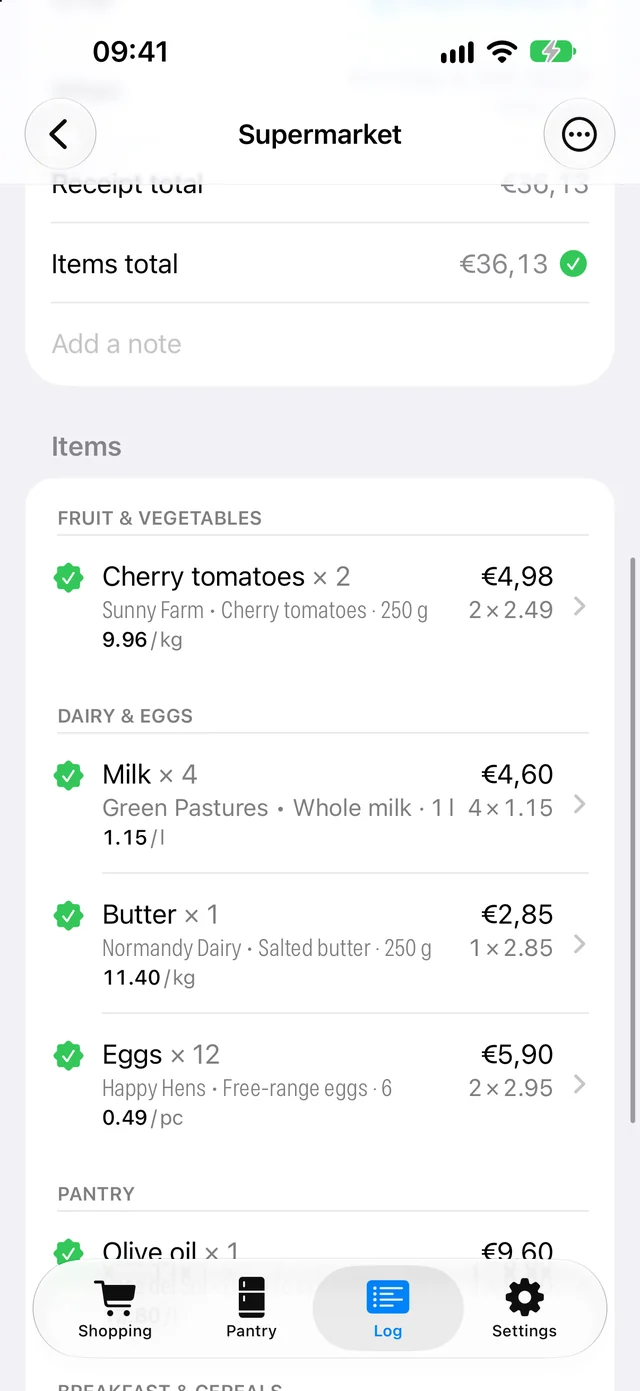
Photograph your receipt and Basket Pal reads it right on your iPhone. Each line is matched to a product and its price recorded — so you know what every product really costs, and which store sells it for less.
The best place to buy itCompare what each product costs at each of your stores, and see where it’s cheapest.
Compare fairlyPrice per kilo, per litre or per piece, across brands and pack sizes.
Price historyEvery purchase of a product: who bought it, where, when and for how much.
Read on your phoneApple’s on-device text recognition finds each priced line. You review every match before it’s saved.
Last 30 days · 150.56
Still to pay at the market · 14.15
Spending at a glance
Know where the money goes. And what’s still to pay.
Every trip lands in the Log with its store, shopper and total. At the top, what you spent at each store over the last 7 and 30 days.
Spending per storeTotals for the last 7 and 30 days, store by store, with a grand total.
Unpaid trips stand outRunning a tab at the farmers’ market, or paying the stall next week? Mark the trip as not settled and the Log keeps count of what’s still owed.
Receipts for the whole familyReceipt pages sync to every member and device, so anyone can check what was paid, and where.
A lesson for the kidsShare the list with your children: seeing what a week of groceries really costs is a great way to learn the value of food, and of money.
Olive oil 0 of 2 at home · critical
Buy2
Eggs 4 of 12 at home · urgent
Buy8
Rolled oats 1 of 2 at home
Buy1
Honey 1 of 1 at home · not on the list
Stocked✓
On the listUrgentCritical
Urgency at a glance
Red can’t wait. Orange, if you want a heads-up.
Each product says when it should join the list and when it’s critical. Like an early warning? Turn on the orange level and it also tells you when it’s getting urgent — your choice, list by list. Try the switch.
Thresholds per productHigh puts it on the list and low makes it red (critical). With the orange level on, medium makes it orange (urgent) in between.
Morning digestA daily notification of what’s running low, plus pantry-check reminders on the days you choose.
And all the little things
Thoughtful down to the last croissant.
Brands & pack sizes you accept
List the variants that will do, in order of preference — each with its own photos and barcode. Whoever shops grabs the right one.
1Oliva Verde · Extra virgin olive oil1 l
2Casa del Sol · Organic extra virgin75 cl
Gentle reminders
A pantry check on Saturday morning, a digest of what’s low every day.
Low stock5 items to buy
No signal? No problem
Everything keeps working at the back of the store. Changes sync as soon as you’re back online.
Several lists
Home, the office kitchen, the holiday cottage — each with its own members, stores and categories.
Stores with personality
A logo, a symbol and a color for each store, shared with the family.
SupermarketBakeryMarket
Photos of the real thing
Several photos per product with a zoomable full-screen gallery, so nobody comes home with the wrong cheese.
A log you can fix
Scanning receipts is optional. Change a trip’s store, merge two trips, or add one you forgot — right from the Log.
Your data, portable
Full export and import in one JSON file, photos and receipts included.
Search or create
Find anything in a keystroke. Not there yet? Create it right from the search — even mid-aisle.
Seasonal products
Archive what you only buy in summer, and bring it back next year with its whole history.
Less mental load. Fewer wasted trips. No more duplicate jars.
Built independently, and road-tested every week in our own family kitchen.
Your pantry, sorted.
Basket Pal is coming soon to the App Store for iPhone. Set up your pantry in a few minutes, then invite the family.